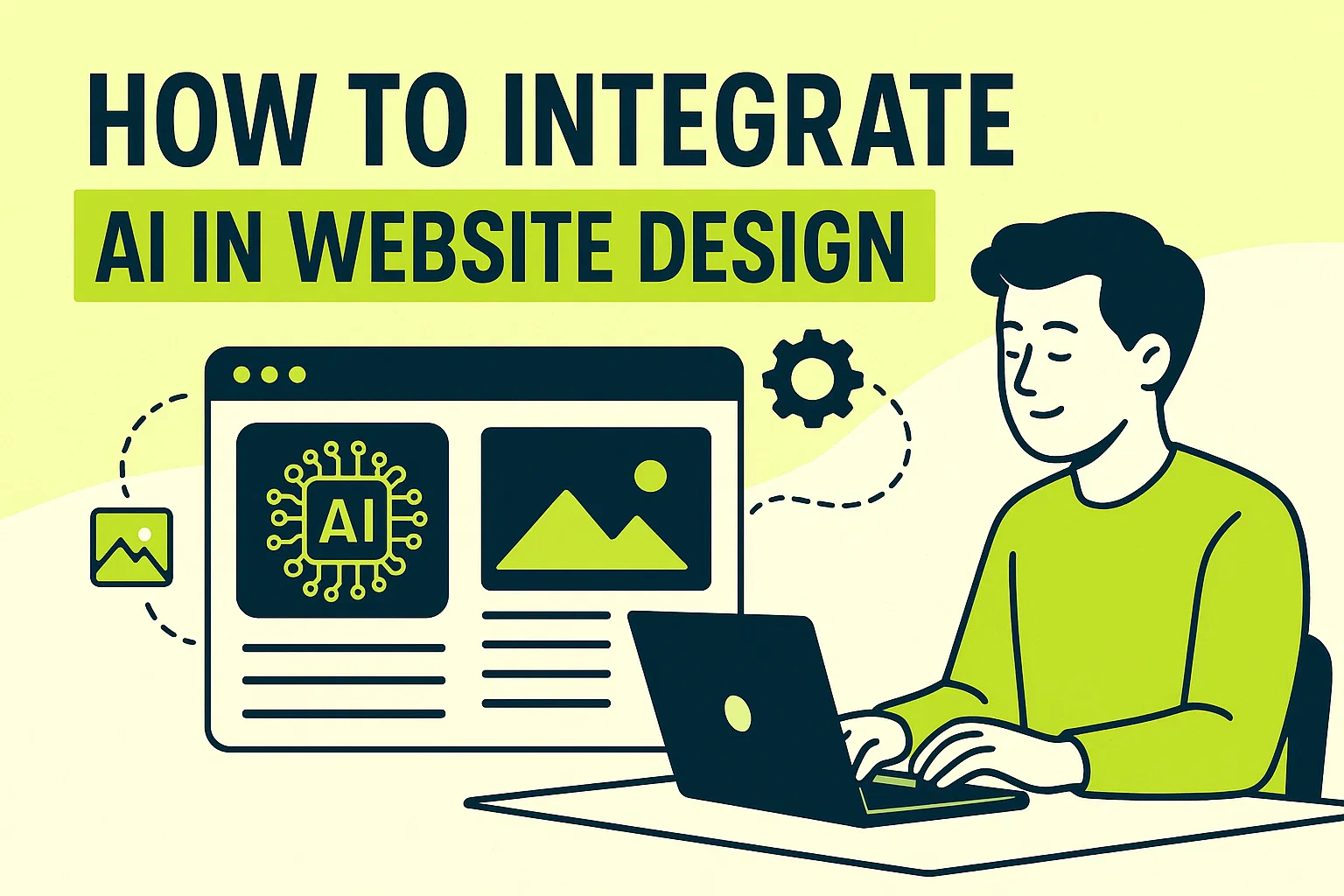
In recent years, Artificial Intelligence (AI) has transitioned from a futuristic concept to an everyday reality in various industries, including web design. AI-powered tools and technologies are reshaping how websites are designed, enhancing both the user experience and functionality. By integrating AI into your website design, you can offer users smarter interactions, personalized experiences, and more efficient processes.
In this blog, we’ll explore how to integrate AI in website design effectively, with actionable steps and examples. Let’s dive into the exciting possibilities that AI brings to web design and how it can revolutionize your website.
1. AI-Driven Personalization
Personalization is a key component of a successful website, and AI is making it easier to tailor content and design elements based on user behavior. By leveraging AI-powered tools, you can create dynamic, personalized experiences for visitors, ensuring that each user gets content that is relevant to their interests.
How to Integrate AI-Driven Personalization:
-
User Behavior Tracking: Use AI to track user behavior (like clicks, searches, and time spent on pages) and adjust content dynamically based on their interactions. This ensures users see relevant recommendations or offers.
-
Personalized Content: AI can analyze past interactions and recommend articles, products, or services based on user preferences, enhancing engagement and conversion rates.
-
Adaptive Layouts: Implement AI to adjust the layout and design elements (such as call-to-action buttons or promotional banners) to align with the user’s interests or browsing history.
Example:
E-commerce websites use AI-powered product recommendations that show users items they are likely to purchase based on their previous behavior, significantly improving sales and user experience.
2. AI Chatbots for Enhanced Customer Support
Integrating AI chatbots into your website design provides instant assistance to users, answering questions, guiding them through products, and even helping with purchases. AI chatbots are capable of handling a range of customer service tasks, from responding to frequently asked questions (FAQs) to providing 24/7 support.
How to Integrate AI Chatbots:
-
Customer Support Chatbots: Use AI-powered chatbots to automate responses to common customer inquiries. These bots can also escalate more complex issues to human agents.
-
Lead Generation Chatbots: Implement chatbots that initiate conversations with visitors, collect their information, and qualify leads for your sales team.
-
Smart FAQ Systems: Use AI to enhance FAQ sections, allowing the system to learn from previous queries and provide users with more accurate answers over time.
Example:
A banking website could use an AI chatbot to help customers check their balance, make transfers, or answer questions about bank services, providing instant responses and enhancing user satisfaction.
3. AI for Content Creation
AI can assist in generating dynamic content that evolves based on user interactions and real-time trends. Websites can use AI to create or recommend personalized blog posts, product descriptions, or news updates that engage visitors.
How to Integrate AI in Content Creation:
-
AI Content Writing: Use AI-driven writing tools to generate content automatically, whether it’s for product descriptions, blog posts, or news articles. AI can assist in creating SEO-friendly content with minimal effort.
-
Content Suggestions: Leverage AI to recommend personalized articles, videos, or resources to users based on their browsing history, interests, or geographic location.
-
Real-time Content Updates: AI can analyze trends and provide real-time content updates, ensuring that your website remains fresh and relevant for visitors.
Example:
News websites like CNN or BBC use AI to analyze trending topics and automatically update their homepage with the latest news stories based on user interests and engagement.
4. AI-Powered Web Design Tools
AI-driven design tools help streamline the web design process by automating tasks, offering smart design suggestions, and optimizing layout elements. These tools reduce the complexity of the design process and enable designers to create aesthetically pleasing websites more efficiently.
How to Integrate AI-Powered Design Tools:
-
Automated Design Layouts: Use AI tools like Wix ADI or Squarespace’s AI-powered templates to create unique website layouts based on your brand’s style and content. These tools automatically select design elements that work well together.
-
Smart Image Optimization: AI can optimize images on your website for faster load times while maintaining high quality. This enhances both user experience and SEO rankings.
-
AI for Color Schemes: Tools like Colormind or Canva use AI to suggest color palettes that match your brand, making the design process easier and more efficient.
Example:
Wix ADI offers an AI tool that automatically generates a website’s layout based on user inputs, such as the type of business, style preferences, and required features.
5. Voice Search Optimization with AI
With the rise of voice assistants like Alexa, Siri, and Google Assistant, optimizing your website for voice search is becoming increasingly important. AI can help optimize your site’s content to ensure it ranks well in voice search results, which typically focus on conversational and long-tail keywords.
How to Integrate AI for Voice Search Optimization:
-
Natural Language Processing (NLP): Implement AI tools that use NLP to optimize your website content for voice search. This means focusing on conversational language and answering questions directly.
-
Voice-Friendly Content: Create content that addresses common voice search queries by using long-tail keywords and ensuring that answers are concise and to the point.
-
Voice Search Analytics: Use AI-powered tools to analyze voice search traffic and optimize your site’s content accordingly.
Example:
A local restaurant website can use AI to optimize its content for voice search, making it easy for users to ask questions like, “What time does XYZ Restaurant close?” and get accurate, voice-activated responses.
6. AI for Predictive Analytics and User Behavior Insights
AI can analyze user behavior and provide predictive analytics, which helps web designers understand how users will interact with the site. By anticipating visitor needs, you can tailor the website’s design, content, and features to enhance engagement and conversions.
How to Integrate AI for Predictive Analytics:
-
User Segmentation: Use AI to segment website visitors based on their behavior (such as previous visits, clicks, and time spent on pages) and personalize the user experience.
-
Predictive Lead Scoring: AI can predict which users are more likely to convert based on their interactions, enabling you to focus on high-potential leads.
-
Dynamic Recommendations: AI tools can analyze browsing patterns and make real-time content or product recommendations to increase engagement and drive sales.
Example:
E-commerce sites often use AI-driven product recommendation engines that suggest items based on a user’s browsing history or past purchases, increasing the likelihood of a sale.
7. AI-Powered A/B Testing
A/B testing is essential for optimizing your website’s design, layout, and content. AI enhances the process by automatically running tests, analyzing results, and suggesting improvements, allowing for faster and more efficient optimization.
How to Integrate AI-Powered A/B Testing:
-
Automated Testing: AI tools can run A/B tests on different design elements (like buttons, colors, or headlines) to determine which version performs better with users.
-
Smarter Insights: AI can analyze the results of tests more deeply, identifying patterns and suggesting improvements that might not be immediately obvious.
-
Continuous Optimization: With AI, A/B testing can be an ongoing process, allowing your website to continuously evolve and optimize based on user data.
Example:
Optimizely and VWO are popular AI-powered A/B testing platforms that help businesses continuously improve their website design by testing various elements and providing data-driven insights.
8. AI for SEO Optimization
Search Engine Optimization (SEO) is a crucial aspect of web design, and AI can significantly improve your site’s SEO performance. From generating SEO-friendly content to analyzing keywords, AI-powered tools help improve your site’s visibility and ranking.
How to Integrate AI for SEO Optimization:
-
Content Optimization: AI tools can analyze keywords, suggest content improvements, and optimize your site’s metadata for SEO.
-
Predictive Keyword Analysis: Use AI tools to predict which keywords will be most effective for your business and optimize your content around those keywords.
-
SEO Audits: AI can automate SEO audits to identify issues on your website, such as broken links, slow load times, or missing metadata, allowing you to fix them quickly.
Example:
Surfer SEO and Yoast SEO use AI to analyze your website’s content and provide suggestions on how to improve keyword usage, optimize on-page SEO, and increase organic search rankings.
Conclusion
AI is no longer a luxury for website design — it’s becoming an essential tool for creating engaging, efficient, and personalized experiences for users. By integrating AI into your website, you can enhance user interactions, optimize design, and improve performance, ultimately boosting your site’s effectiveness.
Whether you’re looking to integrate AI chatbots, personalized content, or predictive analytics, the possibilities are endless. Embracing AI will not only give your website a competitive edge but also ensure that it meets the expectations of modern users.
Ready to take your website to the next level? Website Legends can help you integrate AI into your site to improve user experience, boost engagement, and increase conversions.
👉 Contact Website Legends to explore AI-driven web design solutions and make your website smarter and more user-friendly today!
Frequently Asked Question
1. What is AI in web design?
AI in web design refers to the use of artificial intelligence tools and technologies to enhance the design process and user experience. It includes features like AI chatbots, personalized content, and predictive analytics.
2. How can AI improve website user experience?
AI improves user experience by personalizing content, offering real-time support through chatbots, and adapting the website design based on user behavior, ensuring a more engaging and efficient experience.
3. What are some examples of AI tools for web design?
AI tools for web design include Wix ADI, ChatGPT, Surfer SEO, and Yoast SEO. These tools help with automating tasks, optimizing SEO, and enhancing user interaction.
4. Can AI be used for SEO optimization?
Yes! AI can automate keyword research, content optimization, SEO audits, and performance tracking, helping improve your website’s search engine rankings.
5. How do AI chatbots work on websites?
AI chatbots use natural language processing (NLP) to simulate conversation with users, answering questions, providing assistance, and guiding users through your website in real-time.